Classic glass bottle
Grip · shake · wait

Learning / UX at KB Signaling
People first. Then the interface.
Explore UX, challenge assumptions and follow a fictional railway product from problem to prototype.
The experience people have while trying to accomplish something.
Locate the information needed for the task.
Make sense of the context, not just the screen.
Complete the task and understand the result.
02 / The ketchup test
Get the right amount of ketchup onto your food. What changes between these designs?
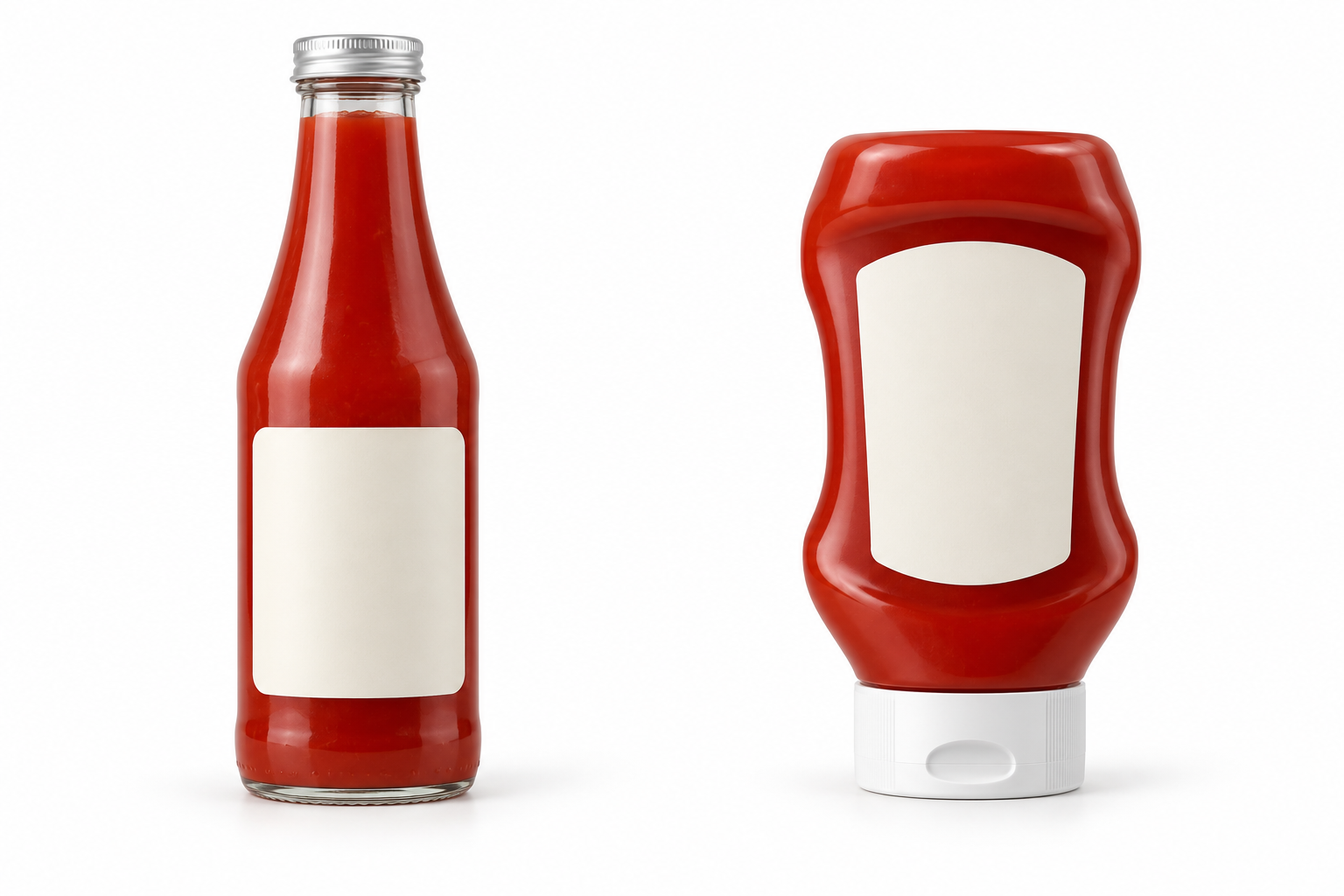
Grip · shake · wait
Grip · squeeze · control
Which would you choose, for whom and under what conditions?
Controls, labels, visual hierarchy and feedback. Here, the shape, grip, cap and opening influence the interaction.
Accomplishing the goal in context: effort, control, waiting and cleanup, before, during and after use.
The squeeze bottle changes the trade-offs; it is not universally better for every person and situation. An audience vote is a discussion input, not user validation.
Where do our products make people “shake the bottle”?
03 / When to do UX
Whenever we need to understand a person, a task or a source of friction—not only before a new release.
Who needs it, what problem deserves solving and what happens today?
Start with the uncertainty. Feedback may point to an interface problem, missing information or an underlying process. UX continues after release.
04 / The UX process
Learn something. Adjust. Repeat. These are useful questions, not a rigid series of gates.
Who is involved, what are they trying to do and what happens today?
Useful output: research questions, observed context and assumptions to investigate.
05 / Meet RailLens
Arrive prepared. Understand the site. Capture the findings.
An informational field companion.
Imagine a tablet experience that brings assignment context and asset information together, with an optional future augmented-reality view.
It does not control signaling equipment.
Illustrative concept / no live data
The idea, users and capabilities are assumptions for this exercise—not a product announcement.
06 / Users & journeys
Select a hypothesized user, then explore a journey stage and a working condition.
Hypotheses to investigate, not research findings.
Goal: prepare for a visit and record a clear handoff.
Explore preparation downloads, information freshness and pending-work feedback. Validate the need and technical feasibility with users and engineering.
07 / Design & test
Compare approaches against the task, then test with representative users.
Choose an approach and explain why. This records a discussion preference, not a validated winner.
Can the person finish the task?
Where are wrong turns and requests for help?
Do they understand the result and next step?
08 / Design system
We know what the experience needs to support. Reuse reviewed components to express it consistently.
09 / Build challenge
Optional stretch goal: prompt a coding assistant in Visual Studio or your preferred editor, then evaluate the result against the task.
Try a small local prototype if the live build is unavailable. It is already prepared; it is not a coding tool running behind this page.
In-memory demo only. No real devices, backend storage or offline synchronization.
Example Junction · Asset DEMO-102
Site-history attachment is not supplied in this fictional assignment. Confirm the information needed before the visit.
Findings exist only in this page session and are cleared when the page reloads.